Softaculous is a one-click script installer that automates the installation of web applications in a website. You can access it via cPanel.
1. Log in to your cPanel account.
2. In the Software section, click on Softaculous Apps Installer.
3. cPanel will open the Softaculous interface.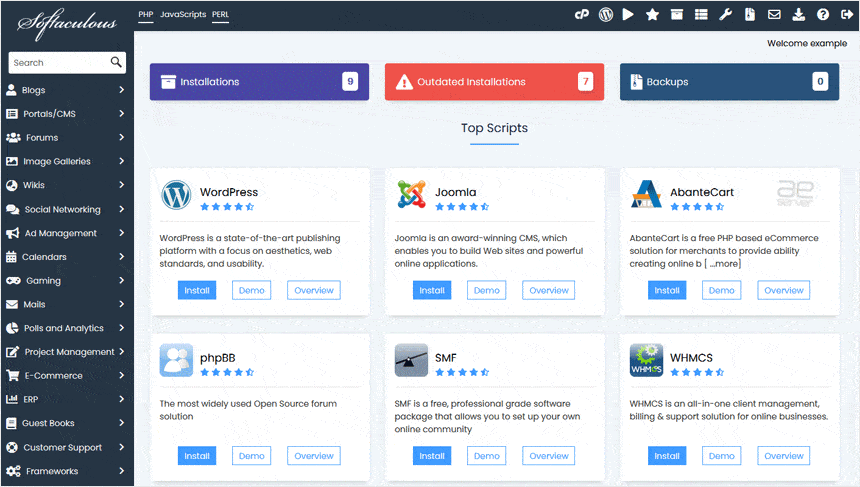
If you want to go back to cPanel, click on the cPanel icon.