How to Create a Directory in Plesk File Manager #
1. Log in to your Plesk account.
2. Click on Files from the Sidebar Menu.

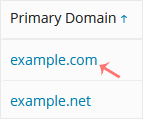
3. Click on the appropriate domain in case of multiple domains.
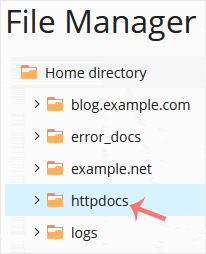
4. Under File Manager, click on the httpdocs directory or any other directory where you want to create the directory.
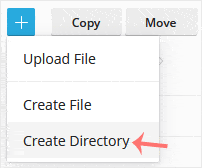
5. Click on the +plus icon and choose Create Directory.
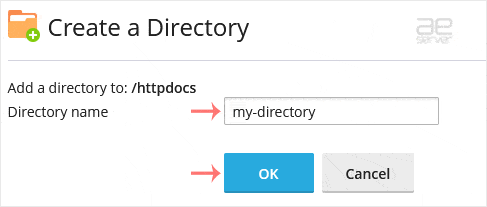
6. Enter a directory name, such as my-directory in the input box. Then confirm with OK.
How to Create a New File in Plesk File Manager #
1. Click on the +plus icon and choose Create File.
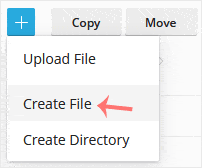
2. Enter the file name, such as home.html, in the input box. Then confirm with OK.




