cPanel File Manager is handy for managing your website files.
1. Log in to your cPanel account.
2. In the Files section, click on File Manager.
3. Navigate to the directory where you want to create your folder or file.
4. Click on +Folder.
5. In the New Folder Name field, enter your folder name, such as my-folder. Then click on Create New Folder.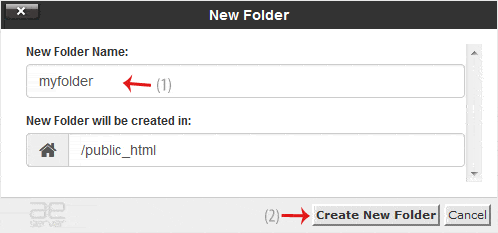
How to create a new file such as myfile.txt? #
1. Navigate to the directory where you want to create your folder or file.
2. Click on the +File icon.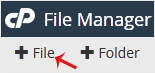
3. In the New File Name field, enter your filename such as MyFile.txt. Then click on Create New File.




