We hope you have already read our tutorial on How to Set Up a cPanel Email Account in Android, and you have already added a built-in email widget to your Android screen.
1. Tap on Email inbox. 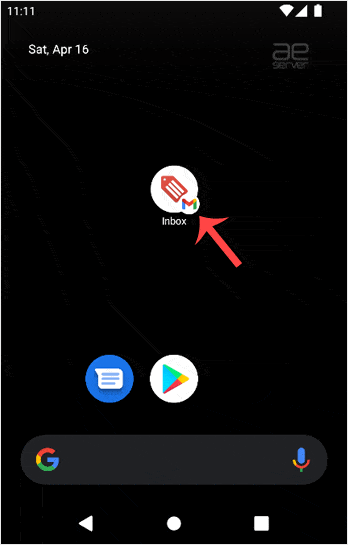
2. Tap and hold for a few seconds on the email you want to delete.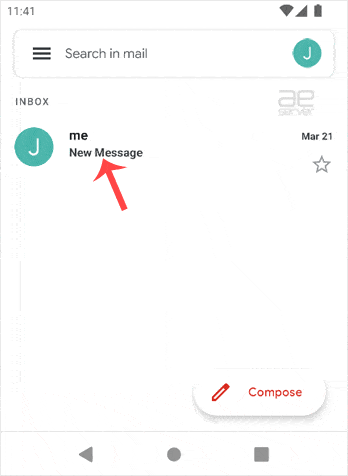
3. Now click the Delete icon displayed on top. 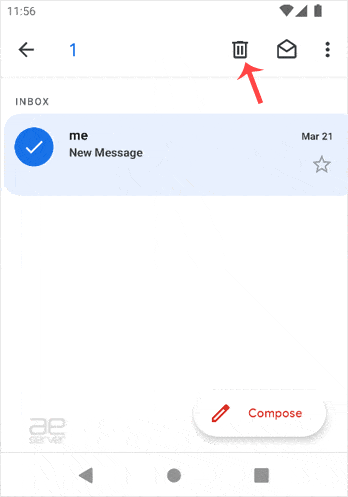
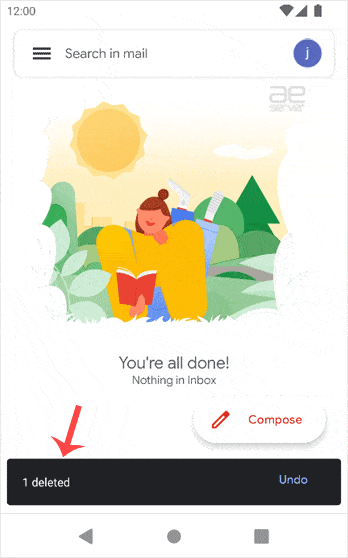
You will get the message Email Deleted. If you want to restore the email, tap on Undo shortly after it has been deleted. Otherwise, the Undo option will disappear.