You can edit or remove an MX Record in cPanel using the cPanel’s DNS Zone Editor. It allows you to manage, remove, or modify DNS records.
1. Log in to your cPanel account.
2. In the Domains section, click on Zone Editor.

3. Under Domains, you can see many options below Actions.
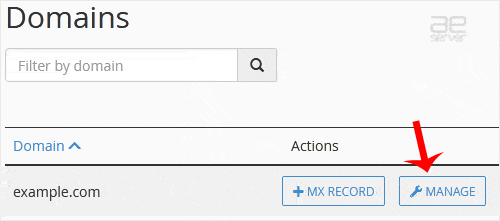
4. Click on Manage.
5. Locate the MX Record you want to edit or remove. To edit an MX record, click on Edit and modify the details. Then confirm with Save Record. Removing a record can be done with the Delete option.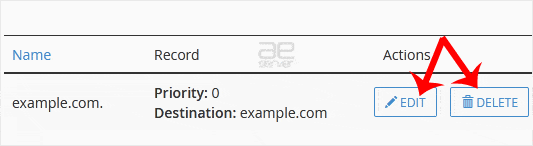
Note: It may take anywhere from 12 to 24 hours for the changes to take effect worldwide.




