How is this different from the email hosting AEserver already sells?
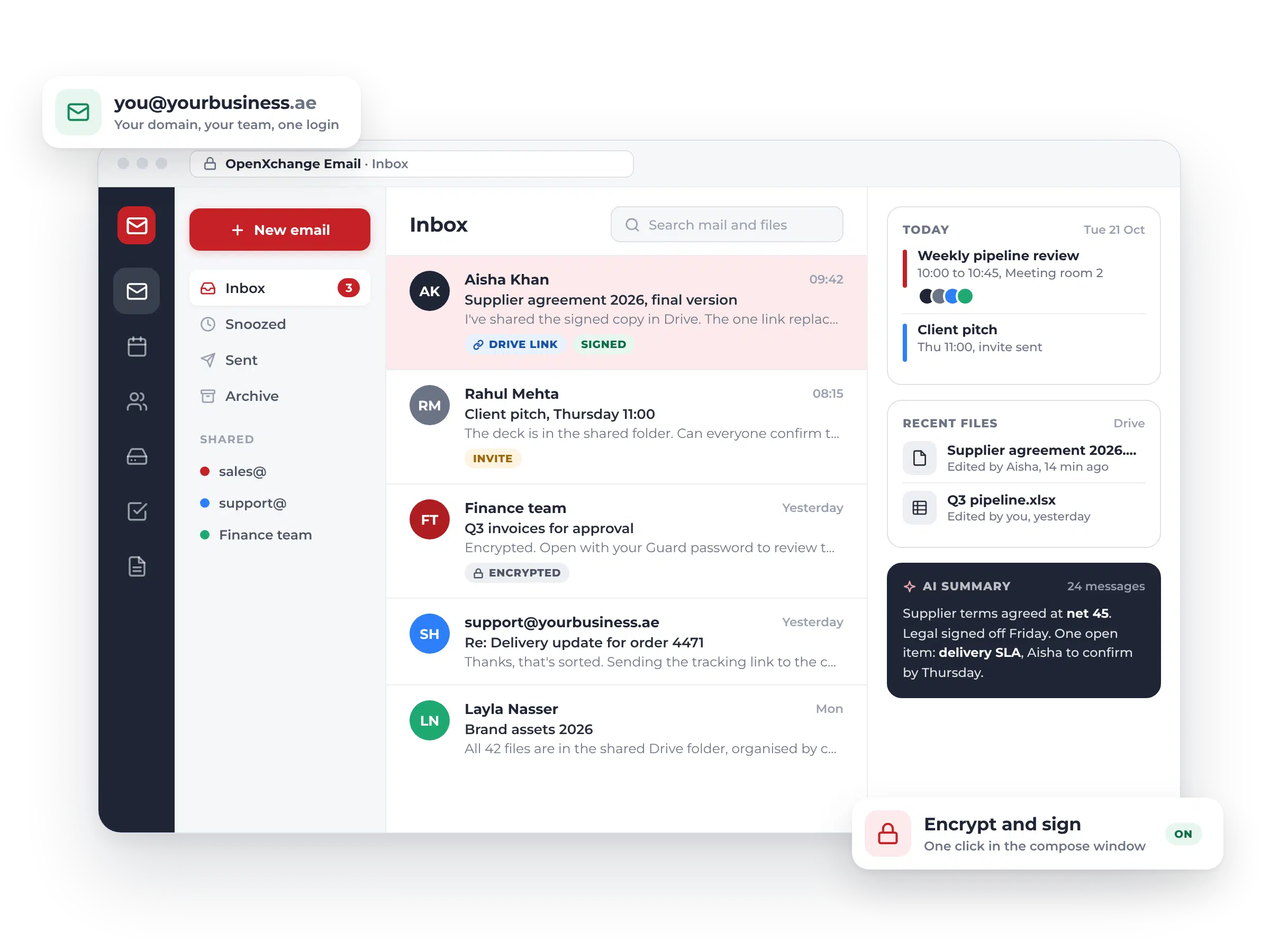
Our basic email hosting gives you mailboxes and webmail. OX Business Email gives you a workspace: shared calendars, shared address books, tasks and a portal dashboard, and on the higher tiers cloud storage, a document editor and encryption. If your team just needs somewhere for mail to land, basic hosting is the right product and costs less. If they need to schedule together and work on files together, this is the one.
Do I have to buy the same plan for everyone?
No. Plans are per mailbox, so you can put finance and legal on Premium+ for the encryption, your operations team on Premium for Drive and Documents, and everyone else on Basic. They all sit on the same domain and still see each other’s calendars and address books.
Can I keep using Outlook?
Yes, for email. You can connect Outlook using IMAP and SMTP. For shared calendars and contacts, use the OX web or mobile workspace, or a compatible CalDAV or CardDAV client such as Apple Calendar or Thunderbird.
What happens to my existing mail when I move?
OX Business Email has a built-in migration service: choose your current provider, enter your old login, and it copies your messages and folder structure across in the background, with status updates by email. Contacts can be connected from Google, Outlook or Yahoo, and calendars imported from .ics files. We provide the MX and SPF records to point your domain at the new service. Plan the switch-over for a quieter period and allow time for DNS to propagate.
How does this compare to Microsoft 365 or Google Workspace?
OX Business Email is designed for teams focused on professional email, shared calendars, contacts, files and browser-based document editing. It is not a replacement for desktop Microsoft Office, Teams, or the wider Microsoft and Google ecosystems. For teams that primarily need email and collaboration essentials, it can be a simpler, lower-cost option.
What does encryption on Premium+ do?
Guard encrypts messages and attachments from a lock icon in the compose window, protected by a Guard security password you set once. You can also digitally sign messages, and encrypt files stored in Drive. External recipients open an encrypted message through secure guest access, with the password sent to them separately.
What can OX AI do?
On Premium+, OX AI can summarise long emails and threads, draft, proofread or rephrase replies, translate messages, and find emails, appointments, files and contacts when you ask in plain language. There is nothing to install: you give a one-time consent in your settings and the AI tools appear wherever you see the AI icon.
Is there a contract?
You can pay monthly and cancel at any renewal, or pay for a year up front and save around 17%. The price shown on each card is the first term. The renewal price is printed right underneath it, so there is nothing to discover later.
Do I need to buy my domain from AEserver?
No. You can use a domain registered anywhere, provided you can update its DNS records, and we will tell you exactly which records to set. If you prefer one supplier, we can transfer your domain to AEserver; the standard transfer fee applies.