Follow these steps to change your Plesk account password.
1. Log in to your Plesk account.
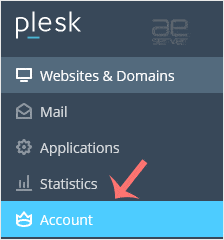
2. Click on Account from the Sidebar Menu.
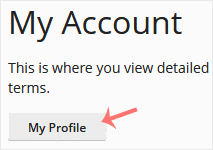
3. Click on My Profile.
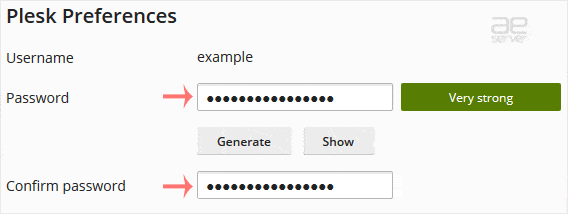
4. In the password field, enter your password or click Generate to generate one.
5. Click OK to confirm the changes.
You can now log in with the new password.




