A tutorial on how to access the Plesk Control Panel.
After you place an order and make a successful payment, you will receive a welcome email containing login details.
Permanent URL:
https://$hostname.com:8443 (SSL Protected).
http://$hostname.com:8880 (Non-SSL – Insecure).
Login using the IP Address:
https://$ip-here:8443 (SSL Protected Need Exception).
After your domain is propagated, you can access it from your domain as follows: https://example.com:8443.
Please, check your Welcome email in case the URL does not open on port 8443.
How to log in to Plesk? #
Open your Plesk Login URL.
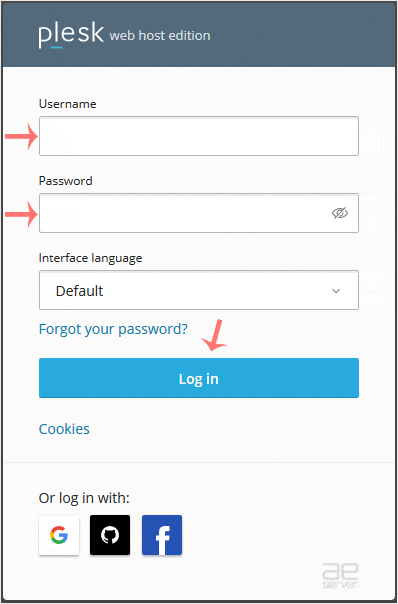
Enter your credentials and click on Log in. If your login details are correct, you will have successfully logged in to your Plesk account.
Note: If you recently modified your domain’s DNS, the domain propagation can take up to 24 hours.




