| Objective | Connect your AEserver domain to a Lovable project using the DNS records Lovable generates. |
| Why customers use this | Ideal for quickly publishing AI-generated or startup web apps on a real domain; Keeps the domain under AEserver while the app is hosted elsewhere |
| Records to expect | Lovable supports automatic setup for some providers and manual DNS setup. Manual setup can include A, TXT, or CNAME records depending on the project and domain pattern. |
Before you start
Have access to both your AEserver Client Area and your account at Lovable.
Know whether you are connecting the root domain (example.com), a subdomain (such as www.example.com or shop.example.com), or both.
Take a quick screenshot or copy of any current DNS records before editing them, especially if the domain already has a live website or email service.
Step 1 – Get the DNS records from Lovable
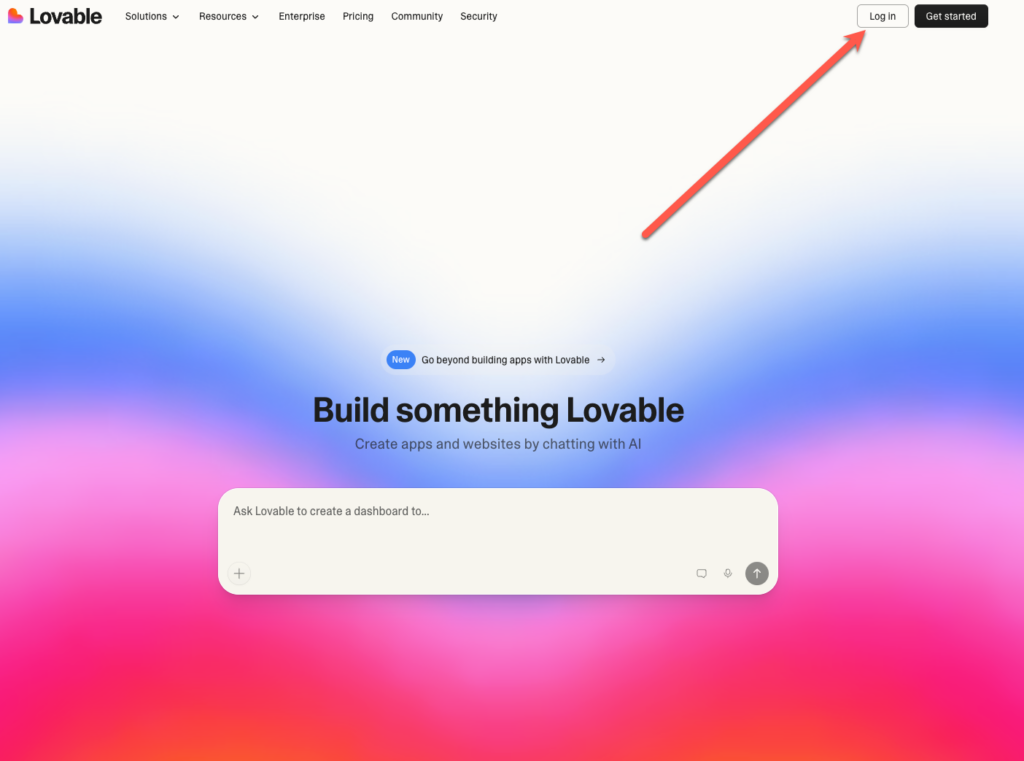
1. Log in to Lovable and open the project you want to publish.
2. Go to Project Settings > Domains or use the Publish modal and choose Custom domain.
3. Enter your domain or subdomain.
4. Copy the exact manual DNS records Lovable shows you. These can differ between root domains and subdomains.
Step 2 – Add the records in the AEserver Client Area
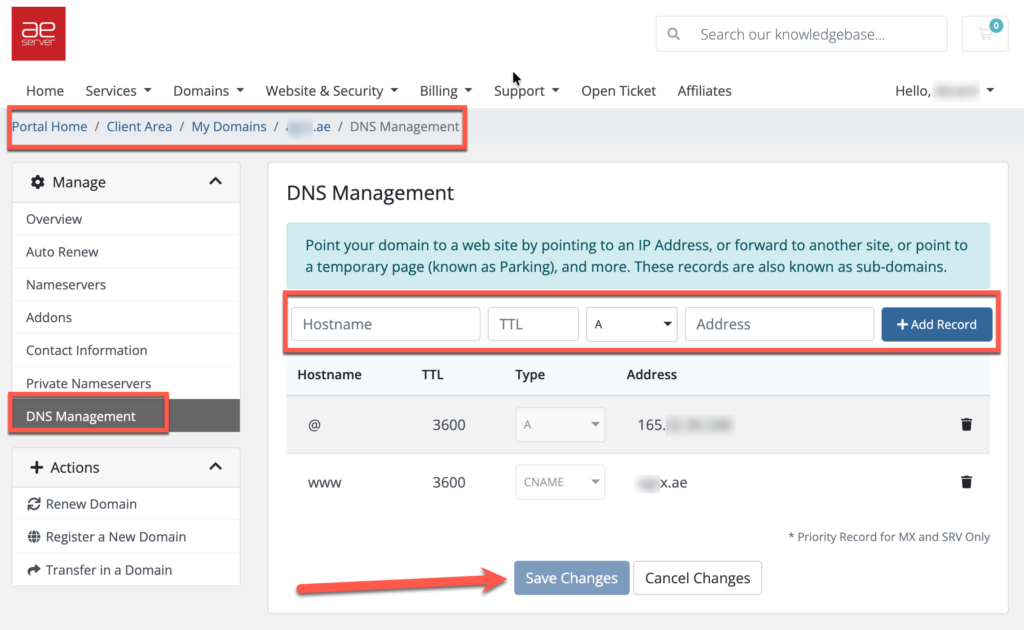
1. Sign in to your AEserver Client Area.
2. Open Domains and choose the domain.
3. Open DNS Management.
4. Add the DNS records exactly as Lovable generated them. Because Lovable may use TXT records for verification, make sure the full value is pasted correctly with no missing characters.
5. Save the changes.
Step 3 – Verify and finish
1. Return to Lovable and wait for the domain status to move to Verified or Connected.
2. Allow time for DNS propagation. Many changes appear within a few minutes or hours, but full propagation can take up to 24-48 hours.
3. Once the service shows as connected, test the live result. Open the website, send a test email, or visit the exact subdomain you connected.
Benefits to highlight in the KB article
Ideal for quickly publishing AI-generated or startup web apps on a real domain
Keeps the domain under AEserver while the app is hosted elsewhere
Supports clean brand presentation for demos and launches
Quick tips
Lovable’s DNS records can vary, so do not rely on old screenshots
TXT values must match exactly; even one wrong character can fail verification
For subdomains, make sure you enter only the host part in AEserver, not the full domain if the panel already appends the domain name
Common issues and fixes
| Common problems | What it usually means / what to do |
| Verification fails | Re-check the TXT or CNAME value and wait for propagation |
| The root domain does not work but a subdomain does | Lovable may have provided a different record set for the root domain |
| A record conflict | Remove or edit old root A records before saving the new ones |
If you are not sure which record to edit, or if the domain already has a working website or email service, contact AEserver Support before making changes so we can help you avoid downtime.




