You can easily install a WordPress theme and activate it manually. Please, follow the steps below to do so.
1. Log in to the WordPress dashboard.
2. From the Dashboard menu, go to Appearance and click on Themes.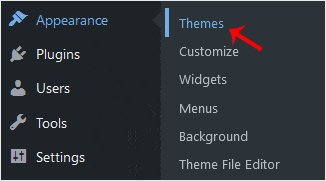
3. Click on Add New Theme.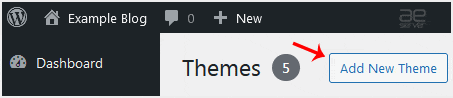
4. Choose Upload Theme.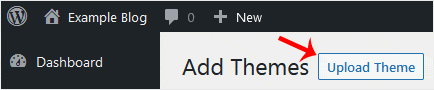
5. Click on Browse and choose the theme from your computer. Click on Install Now.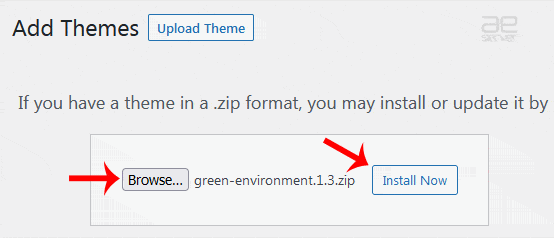
6. It will take a few moments to install. After that, click on Activate.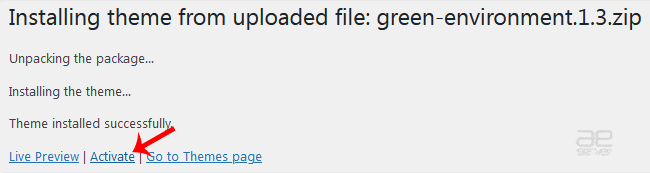
Congratulations, you have installed and activated a new WordPress theme.




